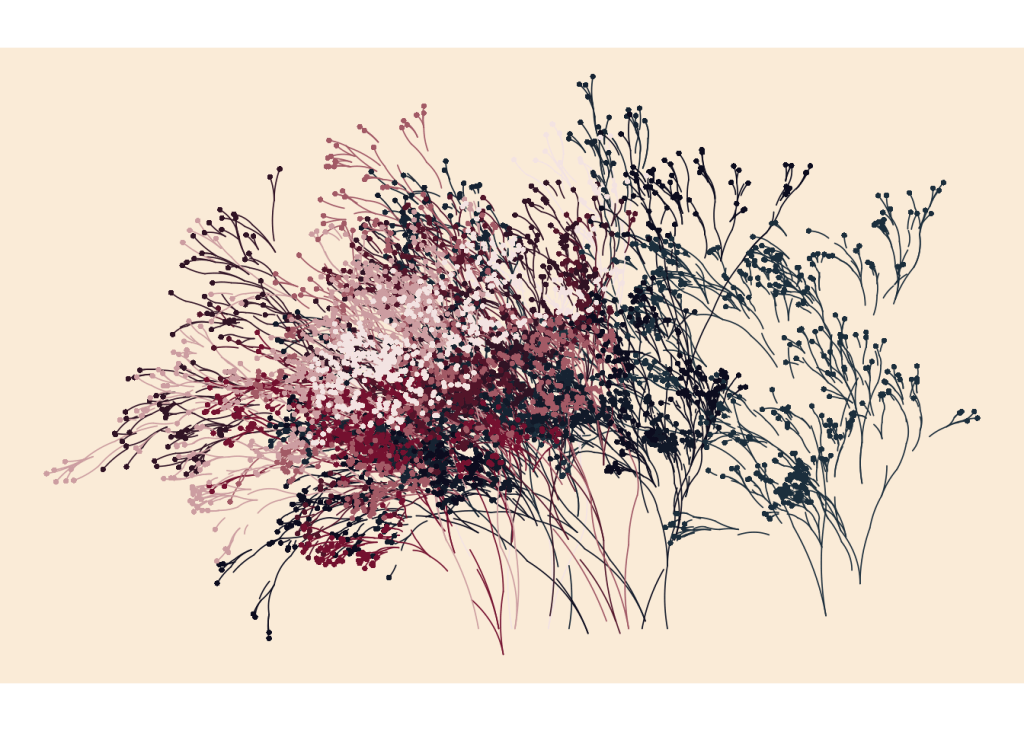
R, a language primarily known for statistical computing and data analysis, has also found its place in the world of generative art. Its powerful data manipulation capabilities and extensive library support make it an excellent tool for creating intricate and data-driven artworks. This blog explores how R is used in generative art projects, covering its history, usage, notable artists, and beginner tutorials.
History of R in Generative Art
Origins and Development
R was created by Ross Ihaka and Robert Gentleman at the University of Auckland, New Zealand, and released in 1995. Initially designed for statistical computing and graphics, R has evolved into a comprehensive environment for data analysis, with a rich ecosystem of packages that extend its capabilities.
Expansion into Generative Art
The use of R in generative art began as data scientists and statisticians recognized its potential for visualizing complex data in creative ways. The development of libraries such as ggplot2 and the tidyverse facilitated the creation of intricate and aesthetically pleasing visualizations, leading to its adoption in generative art.
Impact on the Art and Data Science Communities
R’s impact on the art and data science communities has been significant. It has bridged the gap between data analysis and artistic expression, allowing data scientists to explore creative avenues and artists to leverage data-driven techniques. The integration of R with other tools and frameworks has further expanded its applications in generative art.
Usage of R in Generative Art
Popular Libraries and Tools
R offers several libraries and tools that are ideal for generative art:
- ggplot2: A powerful package for creating complex and customizable plots.
- tidyverse: A collection of packages designed for data manipulation and visualization.
- plotly: An R package that allows for the creation of interactive web-based visualizations.
- shiny: A framework for building interactive web applications directly from R.
Creating Interactive Art
R excels in creating interactive generative art through libraries like plotly and shiny. These tools enable artists to build interactive visualizations and web applications that respond to user inputs and real-time data. R’s data manipulation capabilities ensure efficient handling and transformation of data for generative art projects.
Integration with External Data
One of R’s strengths is its ability to integrate with various data sources, including databases, APIs, and external files. This makes it ideal for creating data-driven generative art that reacts to live data streams, statistical models, or other external inputs. R’s extensive library support ensures seamless integration and efficient data processing.
Famous Artists Using R
Michael Scherer
Michael Scherer is a data scientist and artist known for his generative art created with R. His work often involves complex data visualizations that transform statistical data into captivating visual art.
Cedric Scherer
Cedric Scherer uses R to create stunning data visualizations and generative art. His projects demonstrate the versatility of R in handling large datasets and creating intricate patterns and designs.
Thomas Mock
Thomas Mock, a data visualization expert, frequently uses R for his generative art projects. His work includes dynamic and interactive visualizations that highlight the creative potential of R.
Pros and Cons of Using R in Generative Art
Pros
- Powerful Data Manipulation: R’s data manipulation capabilities are unmatched, making it ideal for data-driven generative art.
- Extensive Library Support: The rich ecosystem of R packages provides tools for creating complex and interactive visualizations.
- Integration: R’s ability to integrate with various data sources and frameworks enhances its versatility in generative art.
Cons
- Learning Curve: While R is powerful, it has a steep learning curve, especially for those new to programming or data analysis.
- Performance Limitations: For highly intensive graphical computations, R may not be as performant as lower-level languages like C++.
- Complexity: Managing dependencies and large codebases in R can become complex, particularly for extensive generative art projects.
Beginner Project Tutorials
1. Generative Art with ggplot2 (R) Learn the basics of creating generative art using ggplot2 in R. This tutorial covers setting up the environment and creating simple generative visuals. Watch the tutorial here.
2. Interactive Visualizations with plotly (R) Create interactive visualizations using plotly in R. This project introduces the basics of plotly and how to create dynamic and interactive graphics. Watch the tutorial here.
3. Data-Driven Art with Shiny (R) Develop a data-driven art project that visualizes live data streams using Shiny in R. This tutorial covers integrating external data sources and visualizing data in real time. Watch the tutorial here.
R is a powerful and versatile language for generative art, offering unmatched data manipulation capabilities and extensive library support. Its ability to handle complex data and create interactive visualizations makes it an excellent choice for data-driven generative art projects. Despite its learning curve and performance considerations, R’s potential for innovation in generative art is substantial.
TL;DR
- R is a powerful language for generative art, known for its data manipulation capabilities and extensive library support.
- Key features include ggplot2 for plotting, plotly for interactive visualizations, and Shiny for web applications.
- Notable artists using R include Michael Scherer, Cedric Scherer, and Thomas Mock.
- Pros include powerful data manipulation, extensive library support, and integration capabilities, while cons involve a learning curve, performance limitations, and complexity.
- Beginner projects like Generative Art with ggplot2, Interactive Visualizations with plotly, and Data-Driven Art with Shiny are excellent starting points.
FAQs
- What is generative art? Generative art involves creating artworks using algorithms or systems that generate outputs based on predefined rules.
- Why use R for generative art? R offers powerful data manipulation capabilities, extensive library support, and the ability to integrate with various data sources, making it ideal for generative art.
- What are some popular features of R for generative art? Popular features include ggplot2 for complex plotting, plotly for interactive visualizations, and Shiny for building interactive web applications.
- Can beginners use R for generative art? Yes, R is accessible for beginners, though mastering its data manipulation and visualization capabilities can take time.
- What are some common beginner projects for R generative art? Projects like Generative Art with ggplot2, Interactive Visualizations with plotly, and Data-Driven Art with Shiny are popular starting points.
- Who are some notable artists using R in generative art? Notable artists include Michael Scherer, Cedric Scherer, and Thomas Mock.
- What are the benefits of using R for generative art? Benefits include powerful data manipulation, extensive library support, and integration capabilities with various data sources.
- Are there any performance limitations with R in generative art? For highly intensive graphical computations, R may not be as performant as lower-level languages like C++.
- How does R handle interactivity in generative art? R, especially with tools like plotly and Shiny, excels in creating interactive visualizations and web applications that respond to real-time inputs.
- What tools are needed to start with R generative art? Tools include the R programming environment, RStudio as a code editor, and libraries like ggplot2, plotly, and Shiny.
- Can R be integrated with other technologies for generative art? Yes, R can integrate with various data sources, APIs, and other technologies to enhance generative art projects.
- What are some educational resources for learning R generative art? Resources include online tutorials, R documentation, and community forums.
- Is R suitable for creating professional generative art? Yes, many professional artists and data scientists use R for its powerful data manipulation and visualization capabilities.
- How do artists share their R generative art? Artists can share their work through websites, online platforms, and social media.
- What are some advanced techniques in R generative art? Advanced techniques include integrating real-time data, creating interactive web applications with Shiny, and leveraging machine learning algorithms for data-driven art.
 Visual Alchemist