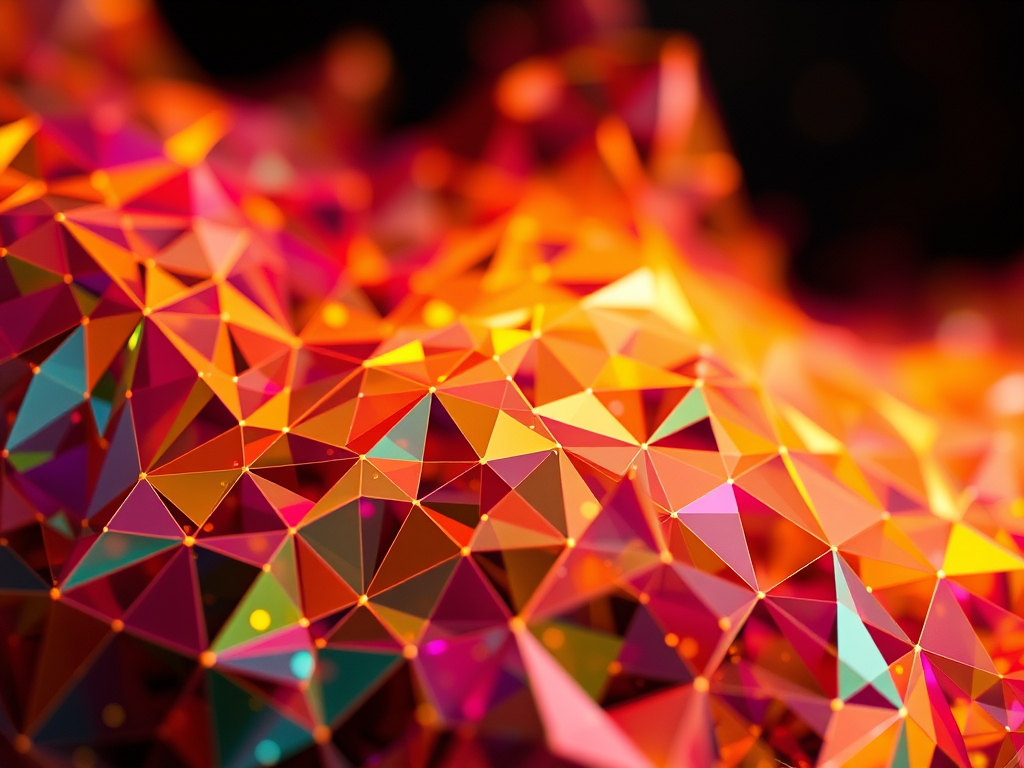
Generative art has revolutionized the creative process by allowing artists to collaborate with algorithms, mathematics, and technology to produce visually striking and often unpredictable pieces. One fascinating technique used in this space is Delaunay Triangulation. With its roots in computational geometry, Delaunay Triangulation plays a vital role in creating structures and patterns that lend themselves beautifully to generative art.
In this blog, we’ll explore how Delaunay Triangulation functions in the realm of generative art, what it brings to the creative process, and how you can use it to generate stunning artwork. We’ll also take a closer look at the tools and platforms that support this technique and offer practical steps on how to get started.
What is Delaunay Triangulation?
Delaunay Triangulation is a geometric method used to divide a set of points into triangles, following the rule that no point in the set lies inside the circumcircle of any of the triangles. This results in a mesh of triangles that are as “well-shaped” as possible, meaning they avoid sharp angles and are relatively uniform.
Named after the Russian mathematician Boris Delaunay, this technique has a broad range of applications, including in computational geometry, computer graphics, and most notably in the creation of generative art.
In generative art, Delaunay Triangulation allows for the creation of organic, interconnected shapes that provide a structured yet random appearance. By breaking down a canvas into triangles, artists can experiment with color gradients, light effects, and even motion, creating art that feels both mathematical and creative.
How Delaunay Triangulation Works in Generative Art
At its core, Delaunay Triangulation is about connecting points on a plane in the most efficient and aesthetically pleasing way. In generative art, this means taking a set of randomly or deliberately placed points and using the triangulation algorithm to form a network of triangles. The vertices of these triangles can be manipulated in numerous ways—by color, size, or depth—allowing for a variety of visual effects.
Step-by-Step Breakdown of Delaunay Triangulation in Art:
- Set Your Points: Begin by placing a series of points on a plane. These points can be random or follow a pattern, depending on the desired visual outcome.
- Apply the Delaunay Triangulation Algorithm: The algorithm connects these points into triangles, ensuring that the circumcircle around each triangle contains no other points from the set. This results in a mesh-like structure of connected triangles.
- Enhance the Triangles: Each triangle can be manipulated—its color, line thickness, or texture adjusted—to create complex visual effects. You can also apply gradients, textures, or even animate the triangles to give the art more depth.
Case Study: Delaunay Triangulation in Interactive Art
Many generative artists are using Delaunay Triangulation in interactive installations. One well-known project is the “Triangular Meshes” installation at various digital art exhibits. In this project, artists used Delaunay Triangulation to build interactive displays that responded to user movements. When users approached the screen, the mesh dynamically updated, shifting and reconfiguring the triangles in real-time based on the viewer’s proximity and movement.
This type of interaction illustrates the power of Delaunay Triangulation in creating dynamic, real-time art that feels alive and ever-changing.
Using Delaunay Triangulation in generative art offers several distinct advantages, making it a powerful tool for artists who want to explore the intersection of mathematics and creativity:
- Organic Geometry: Delaunay Triangulation produces triangles that feel natural and organic, avoiding sharp angles and producing aesthetically pleasing, balanced structures.
- Efficiency and Simplicity: The algorithm is computationally efficient, making it ideal for generating complex, large-scale artworks without requiring heavy processing power. This efficiency makes it perfect for real-time applications and installations.
- Versatile Visual Effects: Artists can manipulate the triangulated mesh in various ways, from applying color gradients and shading to distorting the triangles themselves. The possibilities for creating unique visual effects are vast.
- Interactivity: Delaunay Triangulation is particularly well-suited for interactive art installations. Artists can integrate user input, allowing the mesh to respond to movements or environmental data, creating dynamic and engaging pieces.
- Abstract Aesthetics: The triangulated structure lends itself to abstraction, making it an ideal technique for artists interested in creating non-representational or minimalist work.
Tools and Platforms for Using Delaunay Triangulation in Generative Art
Several tools and platforms allow artists to easily integrate Delaunay Triangulation into their work. Here are some of the most popular ones:
- p5.js: A JavaScript library that simplifies creative coding for artists, p5.js includes a variety of geometric algorithms, including Delaunay Triangulation. Artists can use this platform to generate interactive web-based artwork.
- Processing: Processing is another powerful platform for generative art, offering extensive libraries for computational geometry. Its TriangleMesh library is particularly useful for implementing Delaunay Triangulation.
- Shadertoy: This platform is well-suited for those working with real-time visual effects and shaders. Artists can implement Delaunay Triangulation to create stunning visuals that can be manipulated in real time using GLSL (OpenGL Shading Language).
- Blender: While primarily used for 3D modeling, Blender’s Geometry Nodes feature makes it possible to implement Delaunay Triangulation within a 3D space. This opens up possibilities for artists working in both 2D and 3D environments.
- Delaunay Libraries in Python: Python offers several robust libraries, such as
scipy.spatial, for implementing Delaunay Triangulation. These libraries are perfect for artists who want to script complex generative art without needing to dive into more complex creative coding environments.
These tools offer artists a variety of ways to explore Delaunay Triangulation, whether they’re interested in static visual art, interactive installations, or real-time visualizations.
Advanced Applications: Combining Delaunay Triangulation with Voronoi Diagrams
One advanced technique for artists is combining Delaunay Triangulation with Voronoi Diagrams. Both techniques are closely related in computational geometry and can be used together to create compelling visual effects.
A Voronoi Diagram divides a plane into regions based on the distance to a specific set of points, creating a natural pairing with Delaunay Triangulation. Artists can use this combination to:
- Build abstract cityscapes,
- Generate natural-looking terrains or landscapes,
- Create organic cellular structures,
- Build immersive interactive environments.
By using both algorithms, artists can create complex, multi-layered works that blend geometry with natural forms. The juxtaposition of the rigid lines of the triangulation and the organic curves of Voronoi cells provides endless opportunities for exploration in generative art.
Step-by-Step Guide: How to Create Art Using Delaunay Triangulation
If you’re new to generative art and want to explore Delaunay Triangulation, here’s a simple guide to help you get started using p5.js.
Step 1: Set Up Your Environment
Start by setting up p5.js. You can either use the web editor at editor.p5js.org or install it locally.
Step 2: Create Random Points
Using the following code snippet, generate random points that will form the basis of your triangulation:
let points = [];
function setup() {
  createCanvas(800, 800);
  for (let i = 0; i < 100; i++) {
    points.push(createVector(random(width), random(height)));
  }
  // Delaunay Triangulation will happen here
}
Step 3: Apply Delaunay Triangulation
To implement the Delaunay algorithm, you can use the Delaunator.js library, which can be imported into your project. Here’s how you apply it:
let delaunay = Delaunator.from(points.map(p => [p.x, p.y]));
let triangles = delaunay.triangles;
for (let i = 0; i < triangles.length; i += 3) {
  let a = points[triangles[i]];
  let b = points[triangles[i + 1]];
  let c = points[triangles[i + 2]];
  // Draw each triangle
  triangle(a.x, a.y, b.x, b.y, c.x, c.y);
}
Step 4: Customize the Triangles
Now that you’ve created the Delaunay Triangulation, it’s time to customize your triangles. Experiment with colors, stroke weights, or even adding gradients:
fill(random(255), random(255), random(255));
strokeWeight(2);
stroke(255);
Step 5: Animate or Add Interaction
To push your generative art further, try animating the points or adding interactivity. For example, you could allow users to click on the canvas and add new points in real-time, with the triangulation updating dynamically.
As generative art continues to evolve, Delaunay Triangulation will likely remain a key technique for creating visually engaging and mathematically structured artwork. Its combination of simplicity and complexity makes it an ideal tool for artists interested in blending geometry with artistic expression.
In the future, we may see even more advanced applications of Delaunay Triangulation in immersive art installations, real-time interactive experiences, and even virtual reality environments. As tools and platforms evolve, artists will have even more freedom to experiment and push the boundaries of what’s possible with computational geometry.
Delaunay Triangulation provides a fascinating intersection between geometry and art, offering artists endless opportunities for exploration. Whether you’re a seasoned artist or a newcomer to generative art, this technique allows for creativity that blends randomness with structure. By using Delaunay Triangulation, you can create mesmerizing, abstract, and dynamic pieces that evolve over time.
Ready to explore the world of Delaunay Triangulation? Try it out with p5.js or one of the other platforms mentioned above. Start experimenting with geometric creativity and see how Delaunay Triangulation can take your next art projects to the next level!

 Visual Alchemist
Leave a reply to Data as the New Paintbrush: How Generative Art Uses Big Data – Visual Alchemist Cancel reply