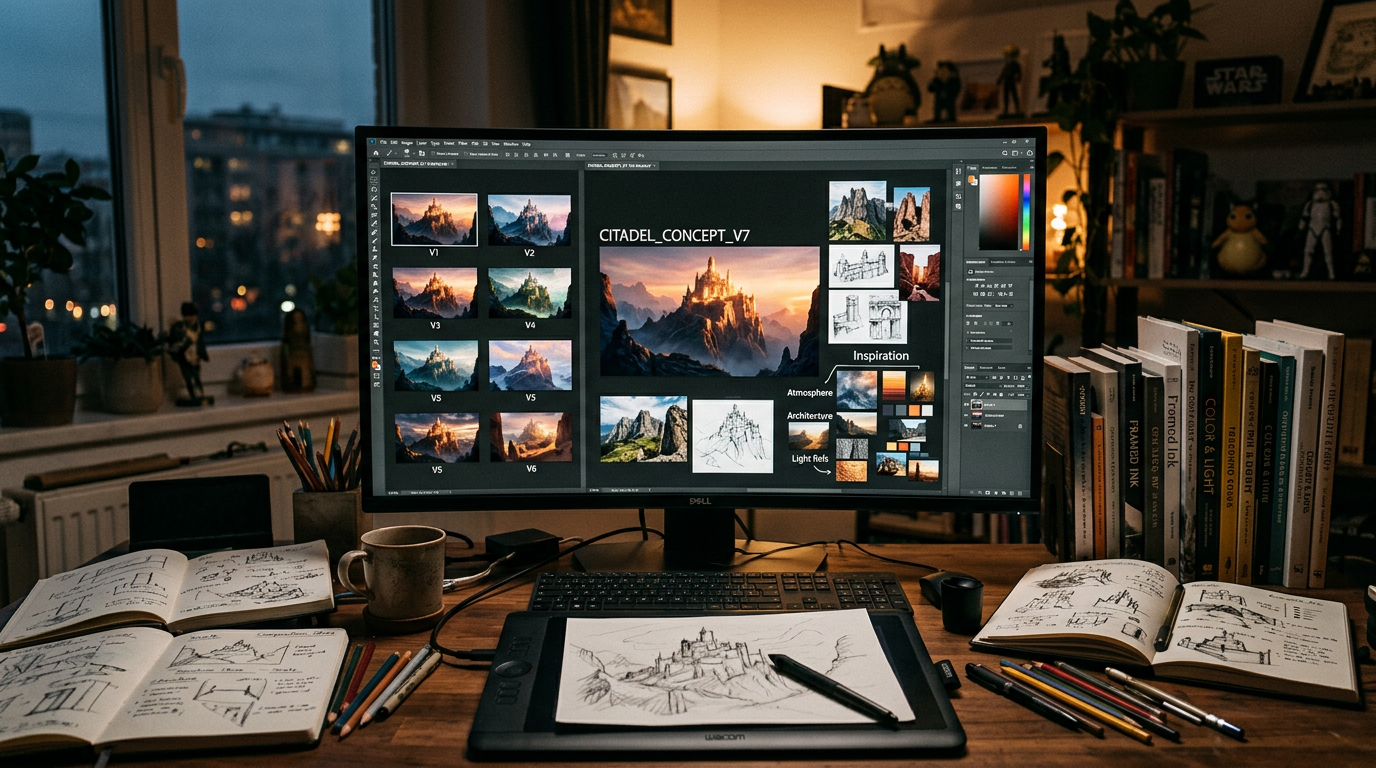
An AI aesthetics workflow breakdown examines the complete generative pipeline as a system of interconnected stages, each with specific functions, tools, and decision points. Understanding the workflow at this level of detail enables practitioners to optimize their processes, troubleshoot problems, and develop new capabilities.
This article provides a comprehensive breakdown of the AI aesthetics workflow, from initial concept through final output, with detailed analysis of each stage’s purpose, methods, and quality considerations.
Stage One: Concept and Brief
The workflow begins before any generation occurs. The concept and brief stage establishes the creative direction that guides all subsequent work.
Creative Intent
The foundation of any AI aesthetics project is clear creative intent. What is the image for? What should it communicate? What feeling should it evoke? Who is the audience? These questions must be answered before generation begins, even if the answers are provisional.
Creative intent is typically documented in a brief that includes: – Project context and purpose – Target audience and usage – Key messages or themes – Aesthetic direction (style references, color palette, mood) – Technical requirements (resolution, format, output specifications)
Reference Curation
With creative intent established, the practitioner curates reference materials. These may include: – Images that capture the desired aesthetic qualities – Style references from art history or contemporary culture – Technical references showing desired lighting, texture, or composition – Subject references for accurate depiction of specific elements
Reference curation is an active, analytical process. Each reference is selected for specific qualities it exemplifies, and the practitioner understands why each reference is included.
Constraint Specification
The final step of the concept stage is specifying the constraints that will guide generation. This includes: – Subject specification (what to depict) – Style specification (how to depict it) – Technical specification (format, resolution, output characteristics) – Quality specification (acceptable quality threshold)
The constraint specification serves as the creative brief for the generative pipeline.
Stage Two: Model Selection
The choice of base model is a consequential aesthetic decision that shapes all subsequent work.
Model Characteristics
Different models have different aesthetic defaults, capabilities, and limitations. Key selection criteria include: – Aesthetic character (photorealism, illustration, painterly) – Subject competence (people, landscapes, products, abstract) – Resolution capability – Conditioning support – Speed and resource requirements
Model Optimization
With the model selected, the practitioner may optimize it for the specific project: – Selecting or creating a fine-tuned variant for the domain – Loading appropriate LoRA weights for style or subject control – Configuring model settings for performance and quality
Alternative Models
Advanced workflows maintain multiple models for different purposes within a single project. A large model might be used for initial generation, a specialized model for refinement, and a fast model for exploration.
Stage Three: Generation Strategy
The generation strategy stage determines the specific approach to producing the initial output.
Prompt Architecture
The prompt is constructed as a constraint system rather than a description. The practitioner designs the prompt architecture: – Core subject specification – Style and quality modifiers – Compositional constraints – Mood and atmosphere specification – Negative constraints (what to avoid)
Conditioning Configuration
Additional conditioning signals are configured based on the project requirements: – ControlNet selection and weight calibration – IP-Adapter style reference selection – Regional prompting specification – Image-to-image initialization
Parameter Setting
Generation parameters are set and optimized: – CFG scale for prompt adherence versus creativity – Sampling method for the desired output character – Step count for convergence quality – Resolution and aspect ratio – Batch size for multiple outputs
Seed Strategy
The practitioner decides on the seed approach: – Fixed seed for reproducibility – Random seeds for exploration – Specific seeds for desired initial patterns – Seed sequences for systematic variation
Stage Four: Generation and Initial Selection
The generation stage produces the initial outputs, which are then selected for refinement.
Generation Execution
The model executes the specified generation parameters, producing one or more output images. The practitioner monitors the generation for obvious problems but does not evaluate critically at this stage.
Rapid Selection
The first selection pass is rapid and binary: outputs that meet basic quality thresholds proceed; outputs with obvious artifacts, composition problems, or prompt failures are discarded.
This rapid pass typically eliminates 50-80% of generated outputs. The surviving outputs are candidates for further refinement.
Annotation
Selected outputs are annotated with notes about what works and what needs improvement. These annotations guide the refinement stage. Annotations might note: “excellent lighting, but the subject’s left hand is distorted” or “good composition, colors are too saturated.”
Stage Five: Iterative Refinement
The refinement stage improves selected outputs through successive iterations.
Image-to-Image Refinement
The selected output is used as the starting point for image-to-image generation with adjusted parameters. The refinement may address: – Artifact correction (fixing distorted elements) – Quality enhancement (improving texture, detail, lighting) – Style adjustment (shifting color, mood, or aesthetic character) – Composition refinement (adjusting layout or framing)
Inpainting and Localized Correction
Specific problem areas are addressed through inpainting: masking the problematic region and generating a replacement. Inpainting may require multiple attempts to achieve seamless integration.
Progressive Refinement
Multiple refinement passes may be applied sequentially, with each pass focused on specific improvements. The denoising strength typically decreases with each pass, from more aggressive modification to fine-tuning.
Stage Six: Post-Processing
The generated image undergoes final polish before delivery.
Resolution Enhancement
Generative upscaling increases resolution while adding detail. The choice of upscaler affects the final texture quality. Multiple upscalers may be tested for the best result.
Color Grading
Final color correction and grading are applied in dedicated color grading software. This ensures precise color relationships and consistency with other images in a series.
Compositing
If the final image combines multiple generated elements with other content, compositing integrates them into a unified image. This may include adding backgrounds, foreground elements, text, or branding.
Quality Verification
The final output is verified against the original brief and constraint specification. Does it meet the creative intent? Does it satisfy the technical requirements? Is it ready for delivery?
Stage Seven: Delivery and Archiving
The final stage delivers the output to its destination and archives the workflow for reproducibility.
Format and Delivery
The output is formatted for its specific use case: appropriate file format, color space, resolution, and compression. Multiple versions may be prepared for different use cases.
Workflow Archiving
The complete workflow is archived with all parameters, settings, and decisions documented. This enables: – Reproducibility for future iterations – Learning from successful and unsuccessful workflows – Sharing workflows with collaborators – Building a personal library of proven workflow patterns
Optimizing the Workflow
The workflow breakdown enables systematic optimization.
Bottleneck Identification
By analyzing time and quality at each stage, practitioners can identify bottlenecks. Is too much time spent on generation because the prompts are under-specified? Is too much time spent on refinement because the generation parameters are suboptimal?
Quality Leverage Points
Some stages have more impact on final quality than others. Investing effort in constraint specification and conditioning configuration typically produces greater quality improvements than investing equivalent effort in post-processing.
Iteration Efficiency
The most efficient workflows minimize generation iterations by investing in high-quality constraint specification. Each generation should be as close to the target as possible, reducing the refinement burden.
Workflow for Different Output Types
Different output types require workflow adjustments.
Still Image Workflow
The standard 7-stage workflow is designed for still image production. Each stage is fully executed, and the output is a single image. This is the most straightforward workflow and the one used by most practitioners.
Series Workflow
When producing a series of related images, the workflow adjusts to achieve consistency across outputs. The concept stage must include a series specification that defines the relationship between images. The model selection stage should use consistent models across the series. The generation strategy should maintain consistent parameters while varying the subject or composition.
Series workflows benefit from workflow templates that capture the common parameters across all images, with specific variations specified for each individual image.
Video Workflow
AI video workflows differ significantly from still image workflows. The concept stage must address temporal continuity. The model selection may use video-specific models. The generation strategy must account for frame-to-frame coherence.
Video workflows typically involve pre-generation of keyframes followed by interpolation, or frame-by-frame generation with consistency techniques applied. The refinement stage for video is more complex, requiring temporal artifact correction.
Interactive Workflow
Interactive workflows generate content in response to user input in real time. The concept stage defines the interaction model. The model selection prioritizes speed. The generation strategy uses caching and pre-computation. The refinement and post-processing stages are minimized to maintain interactivity.
Troubleshooting Common Workflow Problems
The workflow breakdown provides a diagnostic framework for common problems.
Problem: Low Quality Despite Good Prompts
Diagnosis: The problem is likely in stage two (model selection) or stage three (generation strategy). Try a different base model or fine-tuned variant. Adjust generation parameters, particularly CFG scale and sampling method.
Problem: Inconsistent Outputs from Same Prompt
Diagnosis: This is expected behavior from stochastic sampling. For consistency, use fixed seeds and deterministic sampling methods. If consistency across different prompts is needed, focus on the conditioning configuration at stage three.
Problem: Refinement Takes Too Long
Diagnosis: The generation strategy at stage three is not producing outputs close enough to the target. Invest more effort in constraint specification and conditioning configuration to reduce the refinement burden.
Problem: Workflow Not Reproducible
Diagnosis: Documentation is insufficient. Implement the archiving practices described in stage seven. Use workflow export features in ComfyUI or maintain detailed parameter records for other platforms.
Frequently Asked Questions
How many stages should a complete AI aesthetics workflow have? A complete workflow typically has 7 stages: concept, model selection, generation strategy, generation, refinement, post-processing, and delivery. Specific workflows may combine or elaborate on these stages as needed.
What is the most common workflow mistake? Insufficient investment in the concept stage. Practitioners often begin generation before their creative intent is clear, leading to wasted iterations and outputs that do not serve a clear purpose.
How do I know which stage to optimize? Analyze where the most time is spent and where quality improvements would have the most impact. For most practitioners, constraint specification in the generation strategy stage offers the highest return on optimization effort.
What is the most important stage of the workflow? The concept stage is the most important because it determines the creative direction for all subsequent work. Insufficient investment in concept development cannot be compensated by technical excellence in later stages.
How can I improve my workflow efficiency? The most efficient improvements come from investing in constraint specification, documenting successful workflows for reuse, and reducing unnecessary generation through better prompt design.
Leave a Reply